AI video, image and audio studio for filmmakers

Less prompting. More creating.

Video, images and sound, without the busywork.

Describe what you want to make. For example: Make product photos of my handmade candle on a marble counter.

Start free with 350 credits. Plans from $15/month.

PRESETS

Pick a preset. Skip the setup.

Each one already knows the shots, the models and the settings. Tell it what you want and steer.

Video

Social media ad

A scroll stopping creator ad: a talking head clip with hook text, timed captions, and a CTA end card.

Estimated cost and time
Priced on the review card before it runs · 15 to 30 min
Use preset: Social media ad
Video

Short film

A short film across multiple shots: scripted scenes, consistent characters, assembled into a finished cut.

Estimated cost and time
1,500 credits and up · 30 to 60 min
Use preset: Short film
Video

Animated titles

Animated title cards in dozens of named styles, from clean corporate to chrome, neon, glitch and kinetic type. Transparent output you can layer onto any video.

Estimated cost and time
5 to 60 credits · under 3 min
Use preset: Animated titles
Video

Animated cartoon

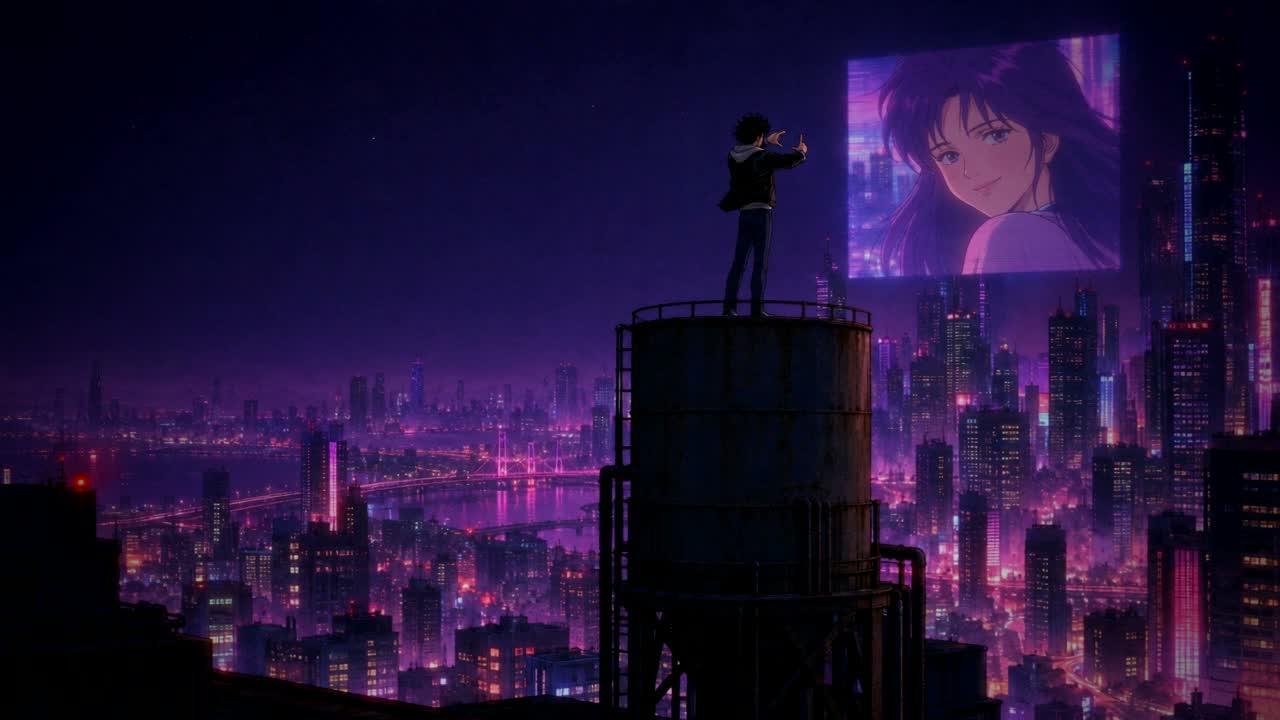
A charming animated cartoon scene with expressive characters and a storybook palette.

Estimated cost and time
About 59 credits · 2 to 4 minutes
Use preset: Animated cartoon
Video

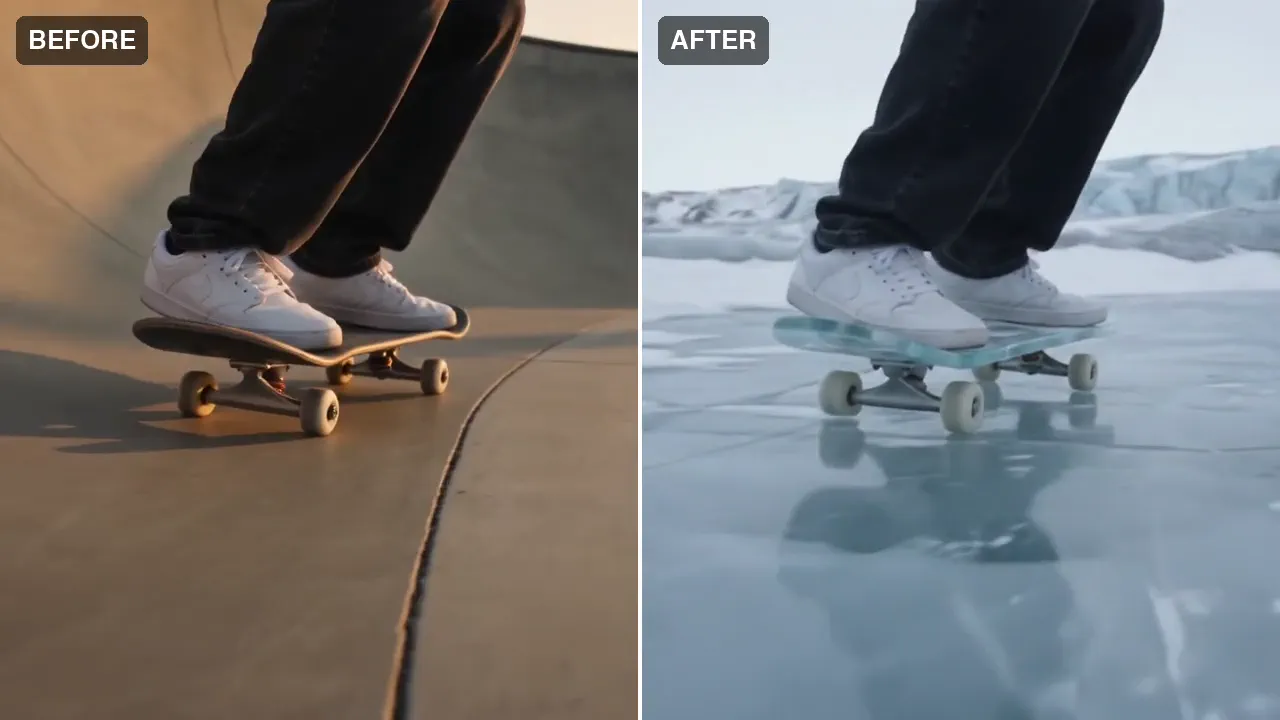
Miroge: recast your clip

Keep the motion, change everything else. Recast a clip you already have with your own people, pets or characters, swap one thing in it, or move it to a new place. The moves, the timing and the camera carry over from your clip.

Estimated cost and time
Priced on the Generate button · A few minutes
Use preset: Miroge: recast your clip
Video

Unboxing video

An authentic first reaction unboxing: hands opening the box, honest excitement to camera.

Estimated cost and time
200 to 350 credits · 2 to 5 min
Use preset: Unboxing video

AGENT STUDIO

You direct. The Agent does the busywork.

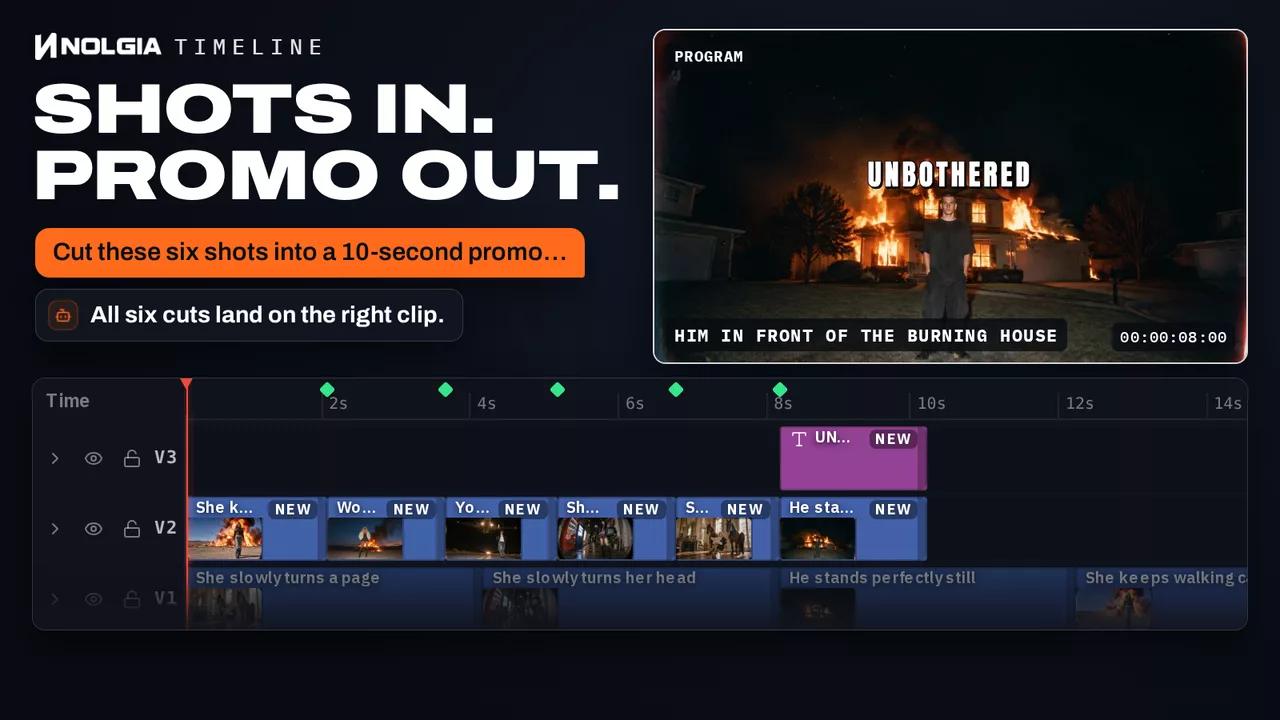
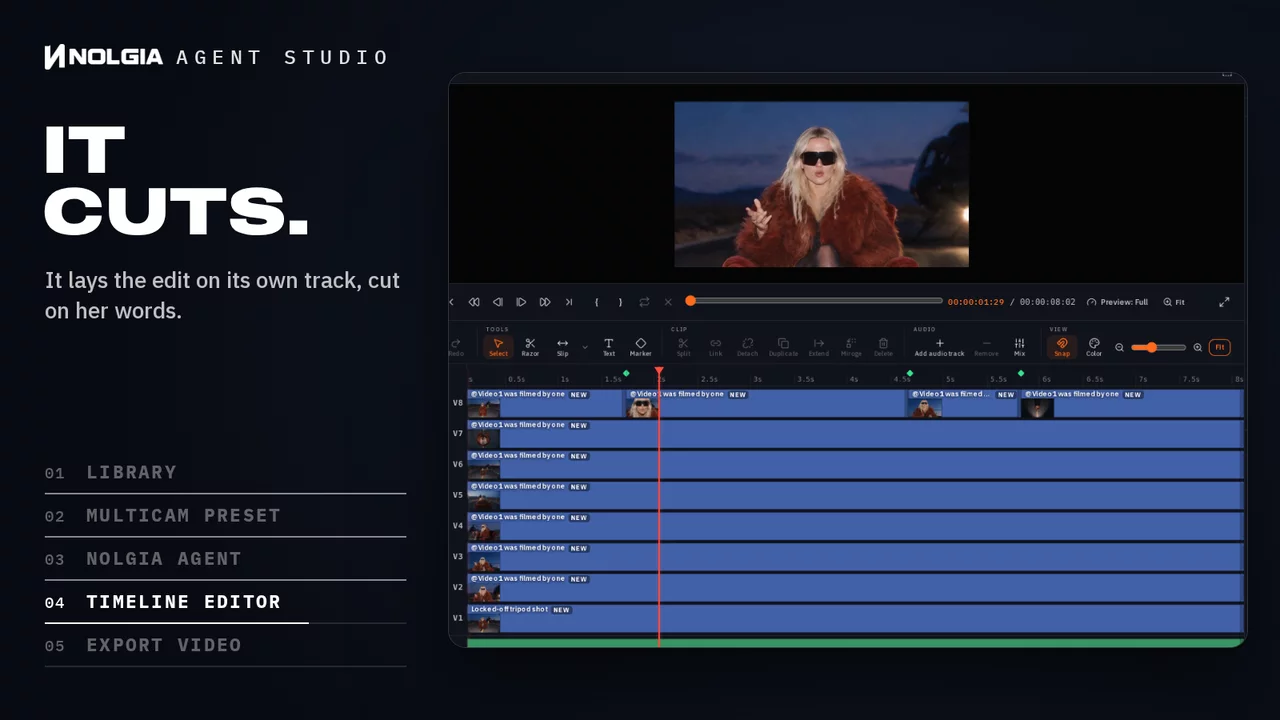
Brief the NOLGIA Agent and it takes the legwork: shot lists, generations and a first assembly on the Studio timeline editor. Every clip stays on your tracks for your cut, your grade and your export.

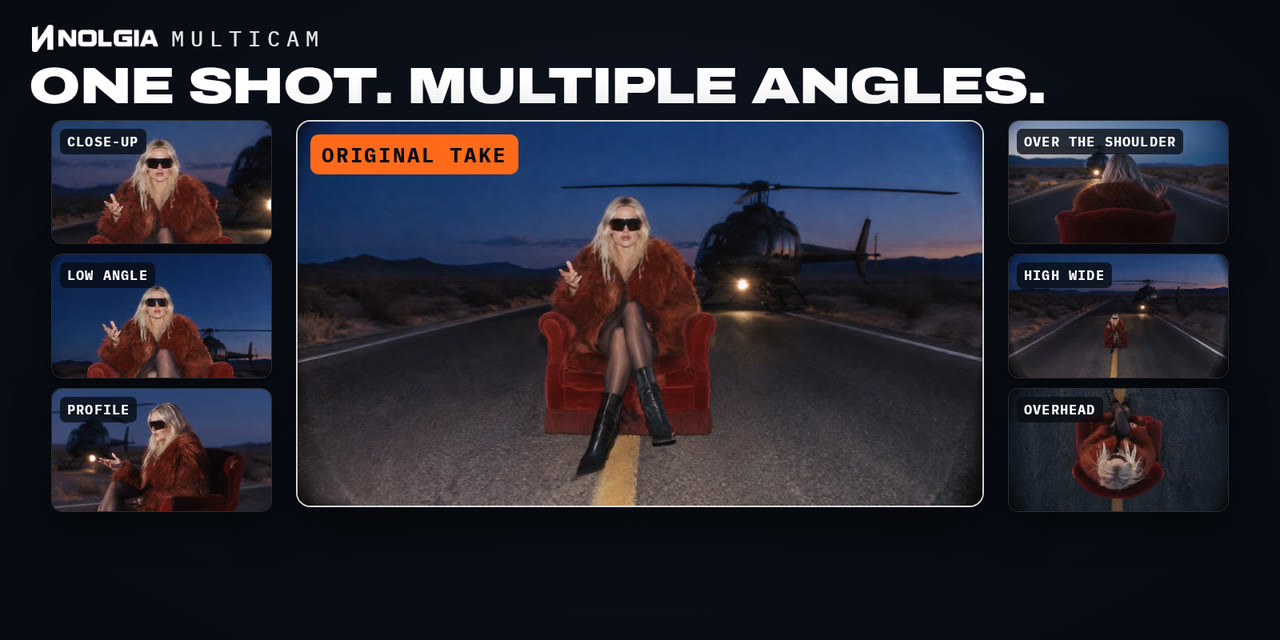
NOLGIA Agent Studio: one take sits on the Studio timeline, the Multicam preset lays six camera angles on the tracks above it, the owner asks the NOLGIA Agent in the timeline's dock for an eight second cut, the four clips it cut land on their own track while the program monitor plays the edit, and the cursor clicks Export video.

PLUGINS

Your agent does the hand work. In your own apps.

Editors still sort dailies by hand. Directors wait on previs to see a shot before the shoot. Producers weigh a reshoot against days of paint work for one thing in frame. NOLGIA plugins put your agent in Premiere Pro, After Effects, DaVinci Resolve, Blender, Photoshop and Illustrator to do that work in your own project, one visible step at a time.

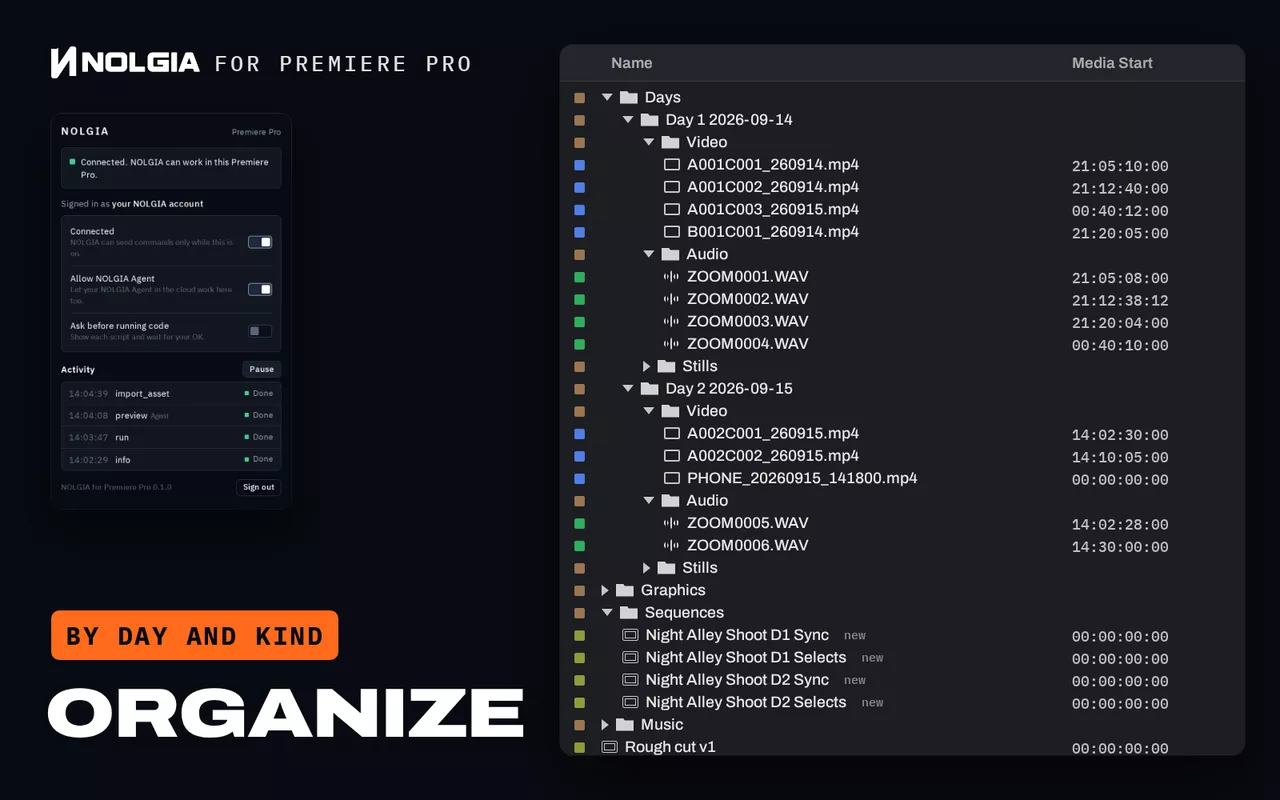
NOLGIA for Premiere Pro, Organize: the 18 loose items of a real project, camera clips, recorder sound, stills and a phone clip, fly into bins by shooting day and kind, beside the plugin's panel, then new sync and selects sequences appear.

For editorsPremiere Pro

Hours of dailies. Not one bin.

By hand
Sort every clip by shoot day and kind, pair camera and recorder by timecode and name the sequences, all before the first cut.
With NOLGIA for Premiere Pro
The Organize workflow files the loose media into bins by day and kind, lines up picture and sound by timecode and makes clearly named sequences.
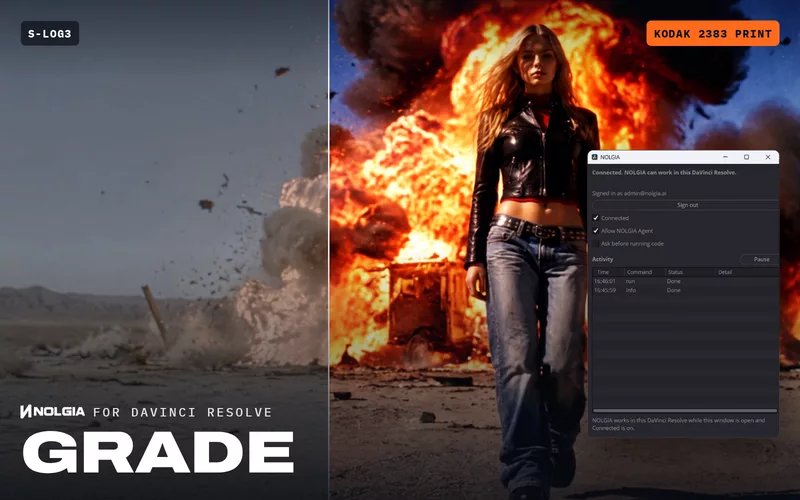
See the workflow: Organize a Premiere Pro projectLog footage looks flat and grey.Grade in DaVinci Resolve: one NOLGIA film stock, installed as a LUT, turns flat camera log into a finished film grade on the clips you choose.NOLGIA for DaVinci Resolve Studio
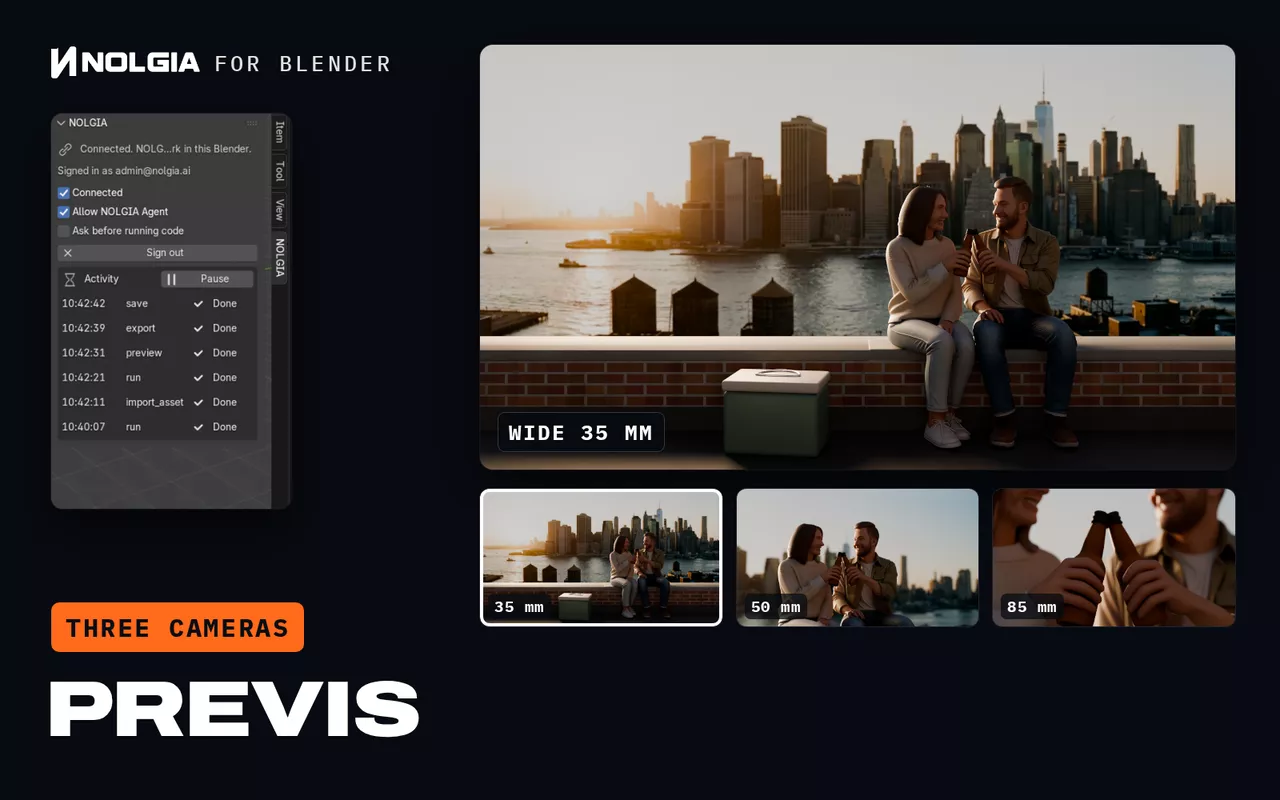
NOLGIA for Blender, Previs: a one line brief, a Brooklyn rooftop at golden hour with a young couple sharing a drink, types in, then the scene the workflow built plays through its three cameras, wide 35 mm, medium 50 mm and close 85 mm.

For directorsBlender

You need to see the shot before you shoot it.

By hand
Previs means building the set, blocking the cast and placing every camera by hand. A storyboard cannot show you the lens.
With NOLGIA for Blender
The Build a scene workflow turns one line into a Blender set: the people and props, their poses, the light, and three cameras to choose from.
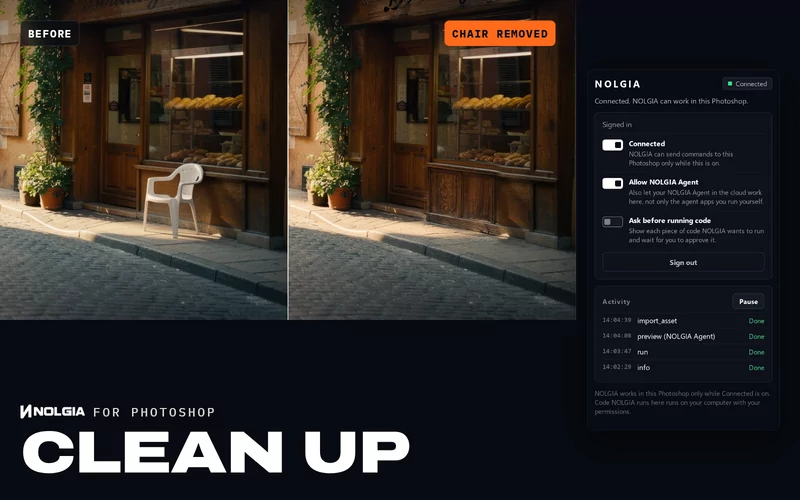
See the workflow: Build a scene in BlenderSomething ruins the location still.Clean up in Photoshop: what does not belong removed, smeared signs repaired, every fix on its own layer.NOLGIA for Photoshop
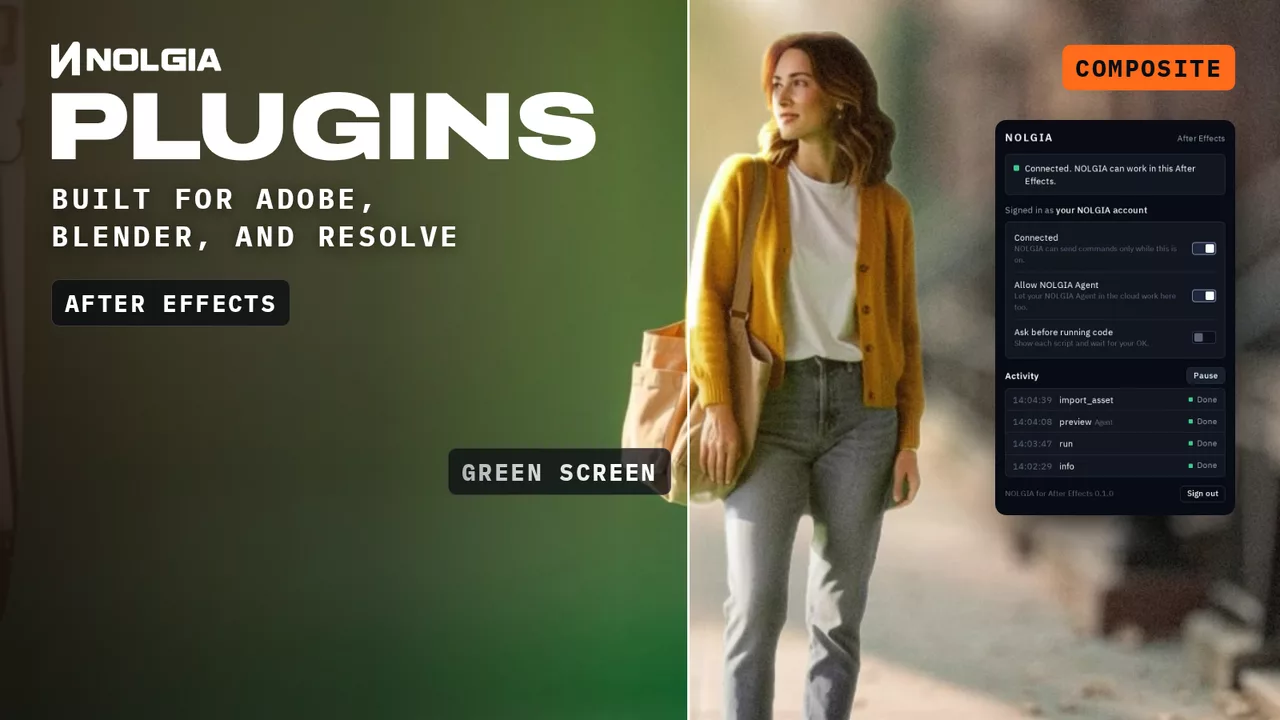
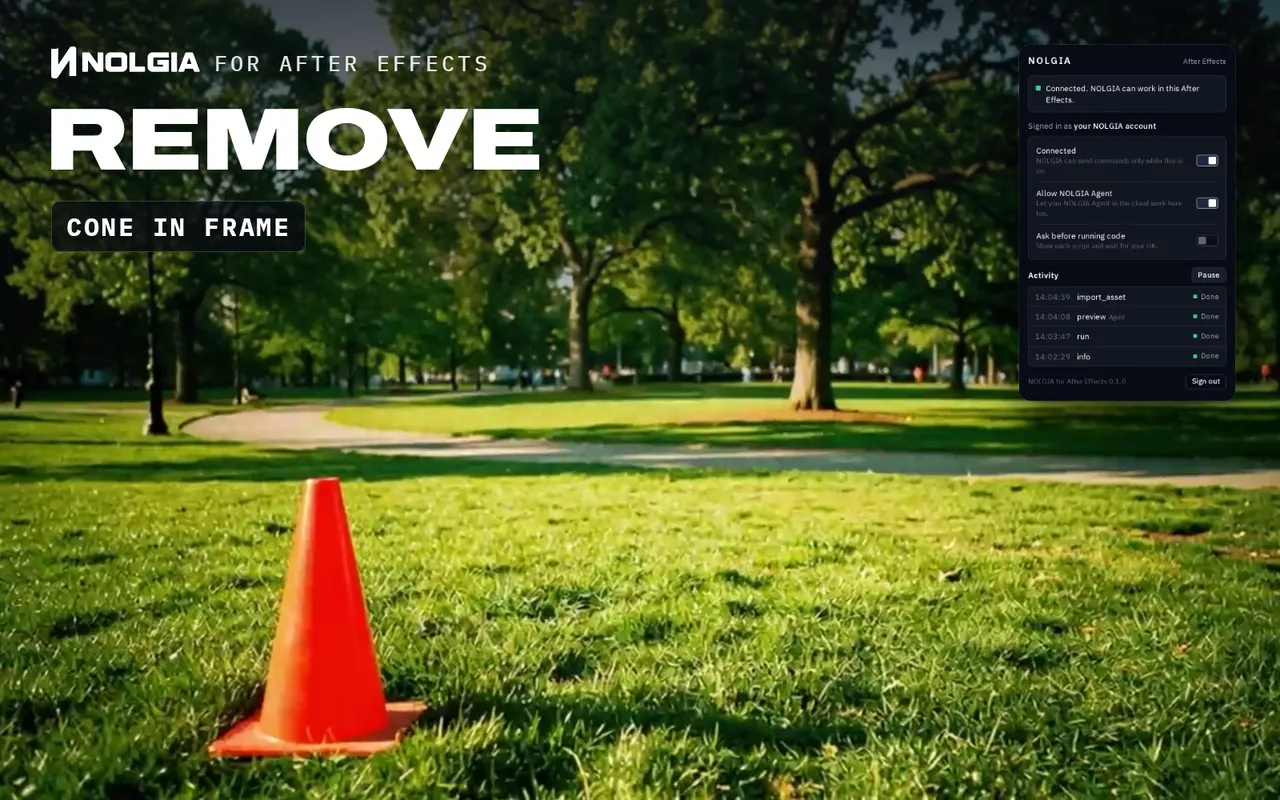
NOLGIA for After Effects, Remove: an orange traffic cone stands in the grass of a moving park shot, then the cleaned plate wipes across and the cone is gone while the camera keeps moving.

For producersAfter Effects

One cone in frame. Reshoot, or days of paint?

By hand
Paint and roto, frame by frame. Rotoscoping a complex shot of only a few seconds can take up to several days of work.1
With NOLGIA for After Effects
The Remove unwanted objects workflow takes signs, logos, stands or crew out of the shot, patched with the plate's own texture and grain and moving with the camera.
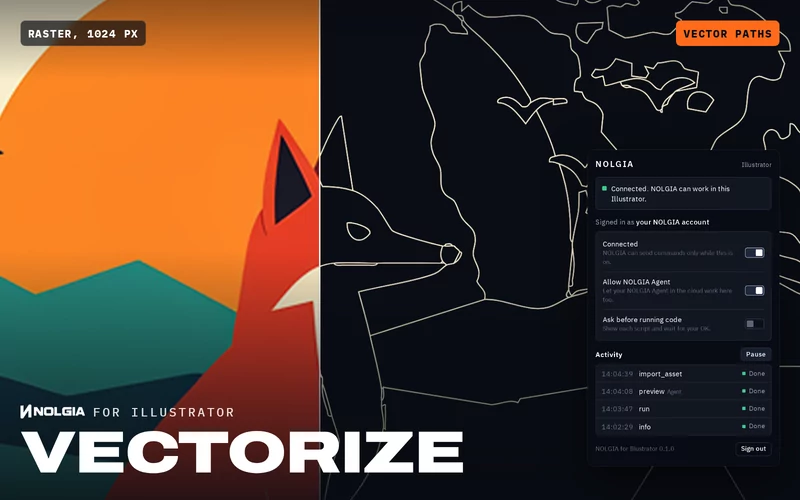
See the workflow: Remove unwanted objects in After EffectsThe client's logo is a blurry PNG.Vectorize in Illustrator: clean vector art in named layers, the palette as swatches, saved as SVG, PDF and AI.NOLGIA for Illustrator

The work in your apps is free with your own agent, like Claude or Cursor. With NOLGIA Agent, turns cost from 10 credits each. You see every command in the plugin's Activity list, and Pause stops it.

  1. 1 Miksik, Pérez Rúa, Torr and Pérez, ROAM: a Rich Object Appearance Model with Application to Rotoscoping (2016)

GUIDES

Learn the formats. Keep the craft.

Step by step guides with the real output of every step: the formats creators are posting right now, and workflows that take the manual labor off directors and editors.

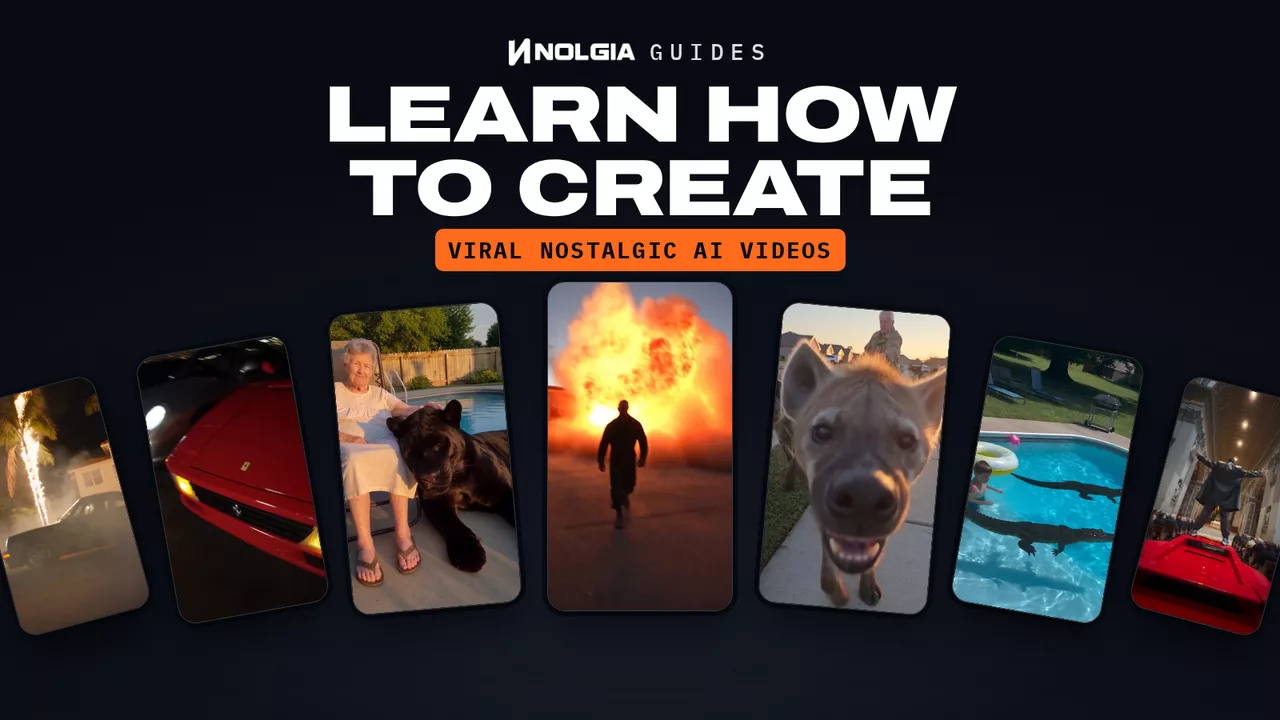
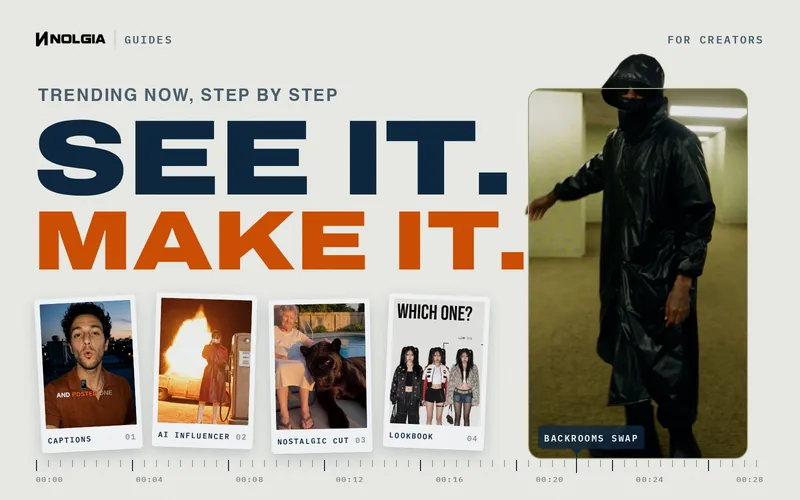
NOLGIA guides for creators: SEE IT. MAKE IT. beside a masked figure in a black raincoat in the Backrooms, from the Backrooms guide, and snapshots of four more formats from the guides: karaoke captions, an AI influencer, a nostalgic cut and a lookbook.

For creators

Make what's trending, your way.

A character swapped into the Backrooms, captions that land on every word, a nostalgic stylized cut, an AI influencer of your own. Each guide walks a real run: what to type, what came back, and what to watch for.

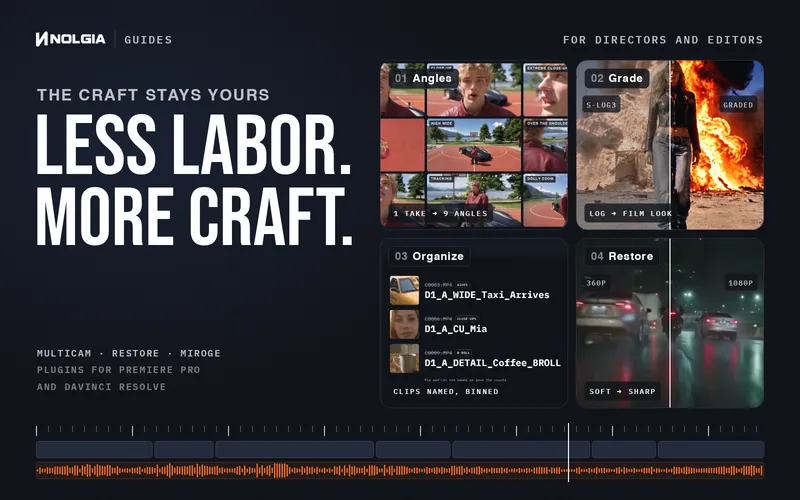
NOLGIA guides for directors and editors: LESS LABOR. MORE CRAFT. beside four real results: one take turned into nine camera angles by Multicam, flat log footage graded to a film look in DaVinci Resolve, camera clips renamed and binned in Premiere Pro, and a soft 360p night clip restored to a sharp 1080p.

For filmmakers

Hand off the manual work.

Every angle from one take, old footage restored, a log grade in DaVinci Resolve, a Premiere Pro project sorted and named. NOLGIA's tools and plugins do the manual work, in your browser or inside your own project, and every creative call stays yours.

EVERYTHING YOU SHIP

Every format you ship, minus the grunt work.

Top models, your own cast and voice, restored footage and every ad size, ready when you are.

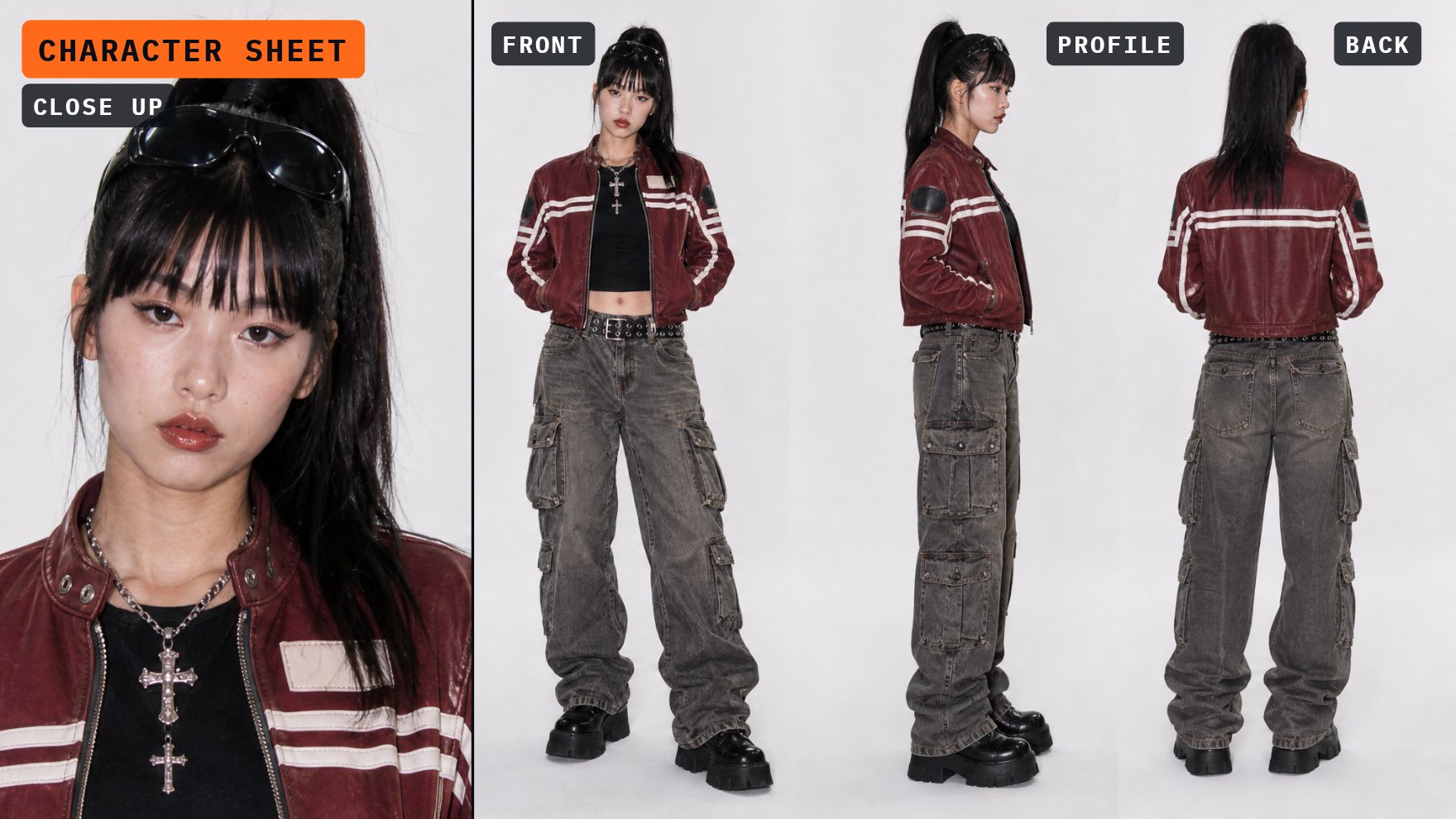
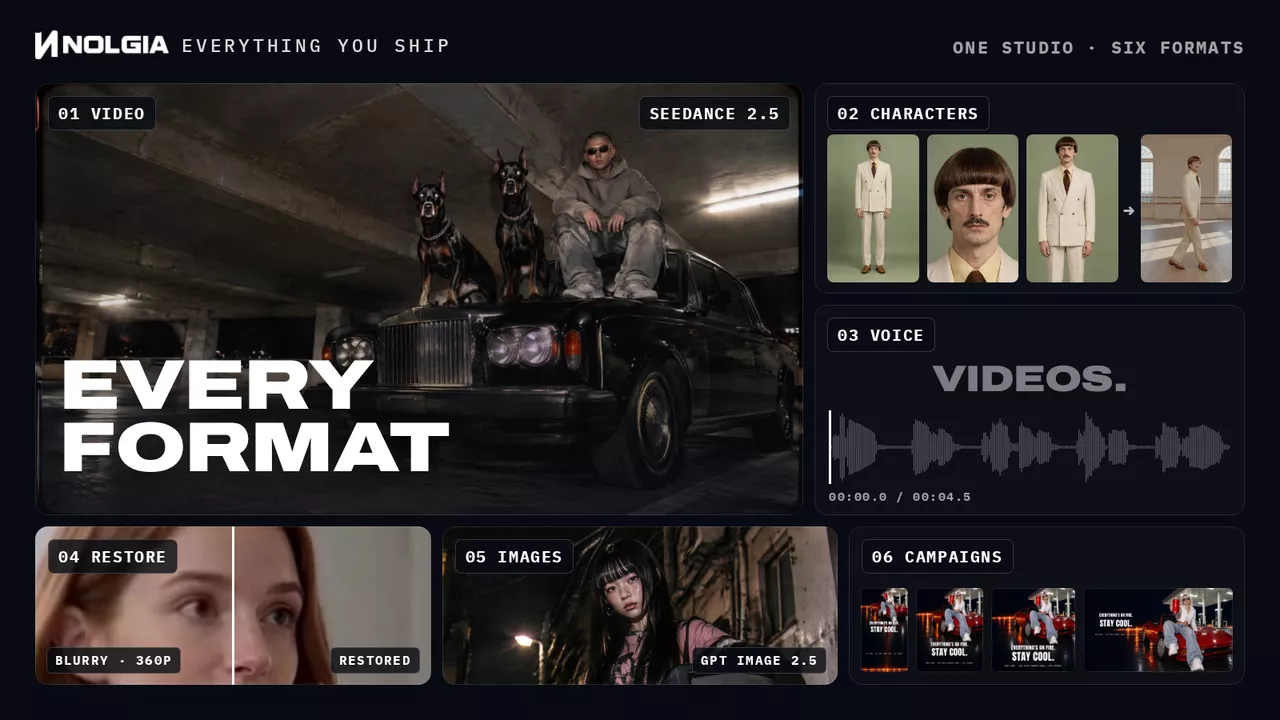
Everything you ship, one NOLGIA production board: 01 Video, a Seedance 2.5 clip of a man and two dobermans on a black car in a parking garage. 02 Characters, Bernard's photo and two views of his character sheet, then his dance clip. 03 Voice, a voiceover lighting up word by word over its waveform. 04 Restore, a blurry 360p clip of a woman split against its sharp restore. 05 Images, a night flash street photo of a young woman in Tokyo and a sunrise portrait of a woman at her desk. 06 Campaigns, RED LINE, an invented cherry soda, as a story, a portrait post, a square post and a wide banner: a calm woman on a red sports car at a night gas station holds the can to the lens, a line of fire behind her, under the headline Everything's on fire. Stay cool.

PRICING

Start free. Upgrade when the work takes off.

350 credits when you sign up, no card required. Every paid plan renews its credits monthly.

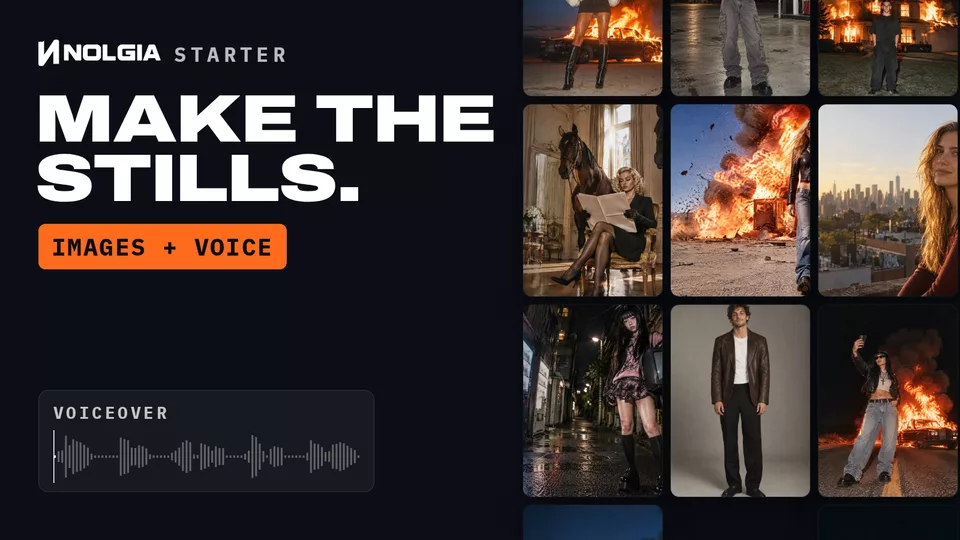
  • NOLGIA Starter, make the stills, images and voice: columns of photographs made on NOLGIA drift past, a woman in a white fur coat before a burning car, a woman reading between two horses in a gilded room, a woman walking away from an explosion, beside a NOLGIA voiceover playing as a waveform.

    Starter

    Images and audio

    $15/ month

    300 credits / month

    ≈ 37

    GPT Image 2.5 Flare images a month

    standard size

    2 concurrent generations

    Solo creators getting started.

    Choose Starter
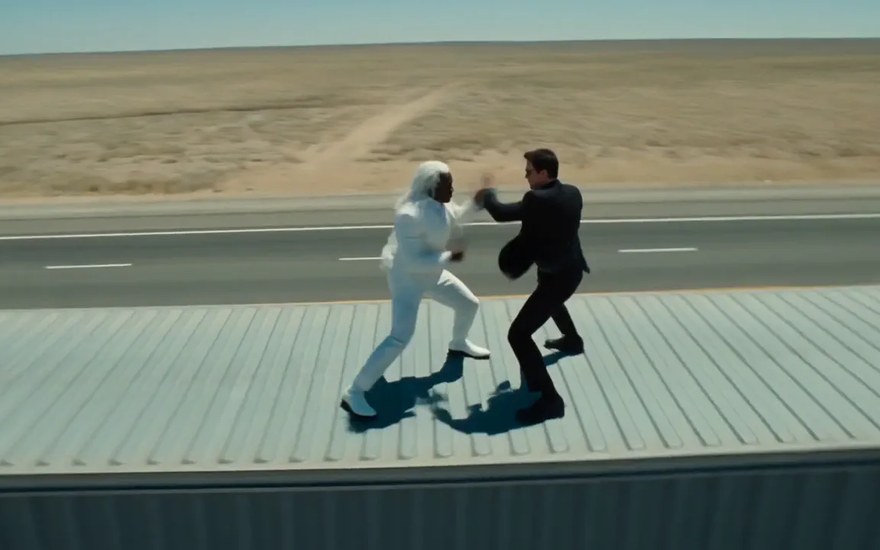
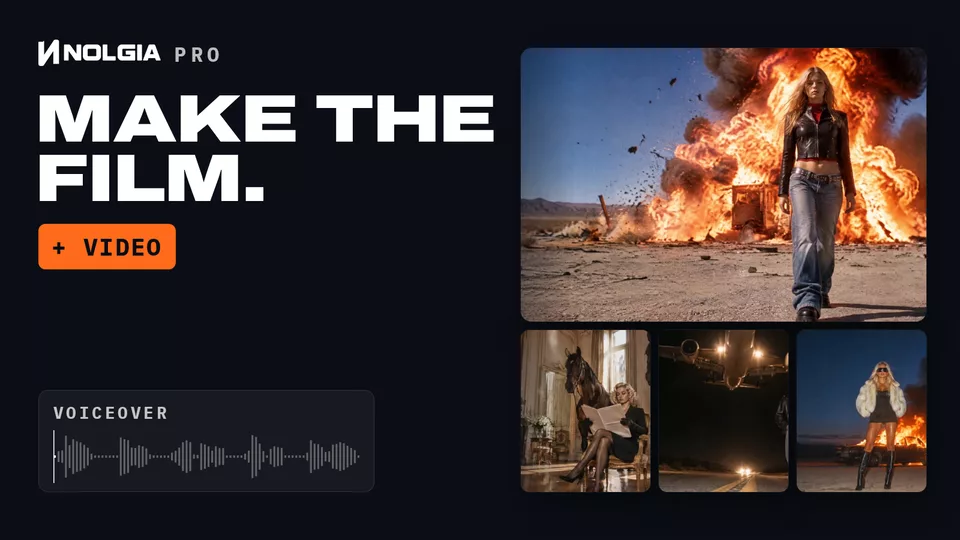
  • NOLGIA Pro, make the film, plus video: a Seedance 2.5 video made on NOLGIA plays big, a woman walking away from an explosion in the desert, with three more under it, horses in a gilded room, a jet low over a night highway and a woman before a burning car, beside a NOLGIA voiceover.

    Pro

    Most popular

    Video, images and audio

    $39/ month

    1,400 credits / month

    ≈ 25

    Seedance 2.5 videos a month

    5 s, 720p

    • or ≈ 175 GPT Image 2.5 Flare images (standard size)

    4 concurrent generations

    Creators who ship every week.

    Choose Pro
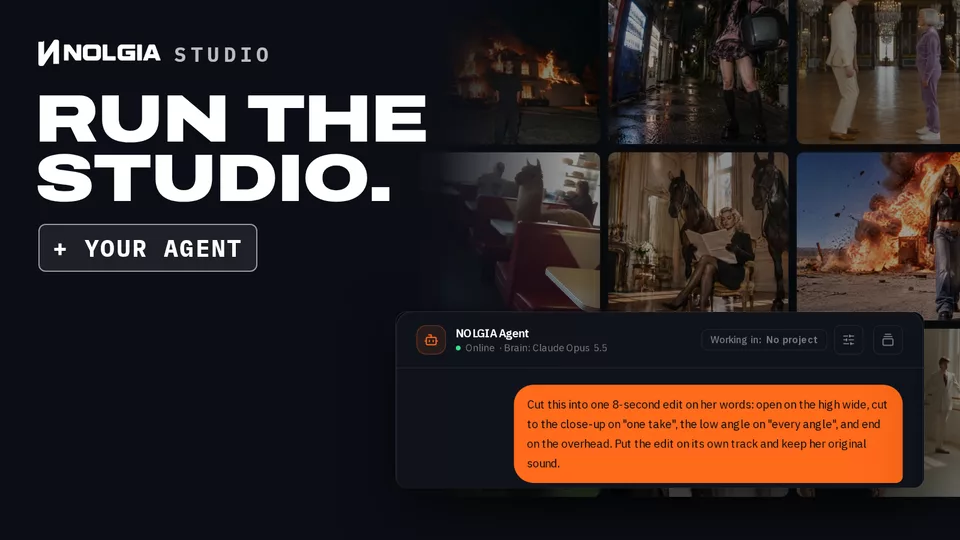
  • NOLGIA Studio, run the studio, plus your Agent: the NOLGIA Agent's chat with a brief for an edit sits over a wall of nine Seedance 2.5 videos made on NOLGIA, from a burning house to a llama in a diner booth and a bison grazing a suburban lawn.

    Studio

    Free for 7 days

    All of Pro, plus your Agent

    from$109/ month

    3,300 to 9,500 credits / month

    ≈ 58 to 169

    Seedance 2.5 videos a month

    5 s, 720p

    • or ≈ 412 to 1,187 GPT Image 2.5 Flare images (standard size)
    • or ≈ 330 to 950 NOLGIA Agent chat turns

    8 concurrent generations

    For studios with the most to make.

    Choose Studio

Free$0

  • 350 credits to start, no card required
  • Timeline editor, Library and projects
  • Top ups never expire
Start free

All prices in USD. Estimates at today's prices for the stated length and quality; longer or higher quality generations use more credits.

Teams put every seat on Pro or Studio with pooled credits. Enterprise is priced per contract.

Compare plans

FAQ

Questions, answered.

What is NOLGIA?
NOLGIA is the utility for the film studio: the tools, presets, plugins and agent that take the manual work off directors, editors and creators. You keep every creative call, and NOLGIA handles the setup, the versions and the busywork, so more of your time goes into the work itself.
Can I try it for free?
Yes. Every new account starts with 350 free credits, no card required. Pick a preset or describe what you want and your first renders are on us.
What does it cost?
Every generation spends credits at the rate its model publishes, and you see the estimate before you create. Plans from $15 a month. Compare every plan on the pricing page.
What is the NOLGIA Agent?
An assistant on your own account that takes the legwork. Brief it in chat and it plans the shots, runs the generations, checks the results and lays out a first cut you can open in the editor. Studio plans include it.
What are presets?
Proven starting points for one kind of result, such as product photos or a short ad. Open one and it asks only for what it needs, shows the credit estimate, and makes it when you press Create.
Can I edit what I make?
Yes. Studio, the timeline editor, comes with every plan: cut on a multitrack timeline, add titles, grade color and export.
Can I use NOLGIA from my own tools?
Yes: the nolgia CLI, the REST API and the hosted MCP server. Signed in with nolgia auth login, the CLI spends credits the way the app does, and so does an assistant you connect over OAuth, such as ChatGPT or Claude. A personal access token you create never spends your monthly plan credits: it draws only on the credits you top up and your free starting credits.
Start from a real shot, not a blank page.

You create. NOLGIA does everything else.

Describe what you want to make. For example: Make product photos of my handmade candle on a marble counter.

Stay updated on new features, new models, and what's happening in the space.